BMJ Group Logo
Librarian hub results2026-04-24T11:02:25+01:00

Librarian hub

BMJ Best Practice – Healthcare

Product description

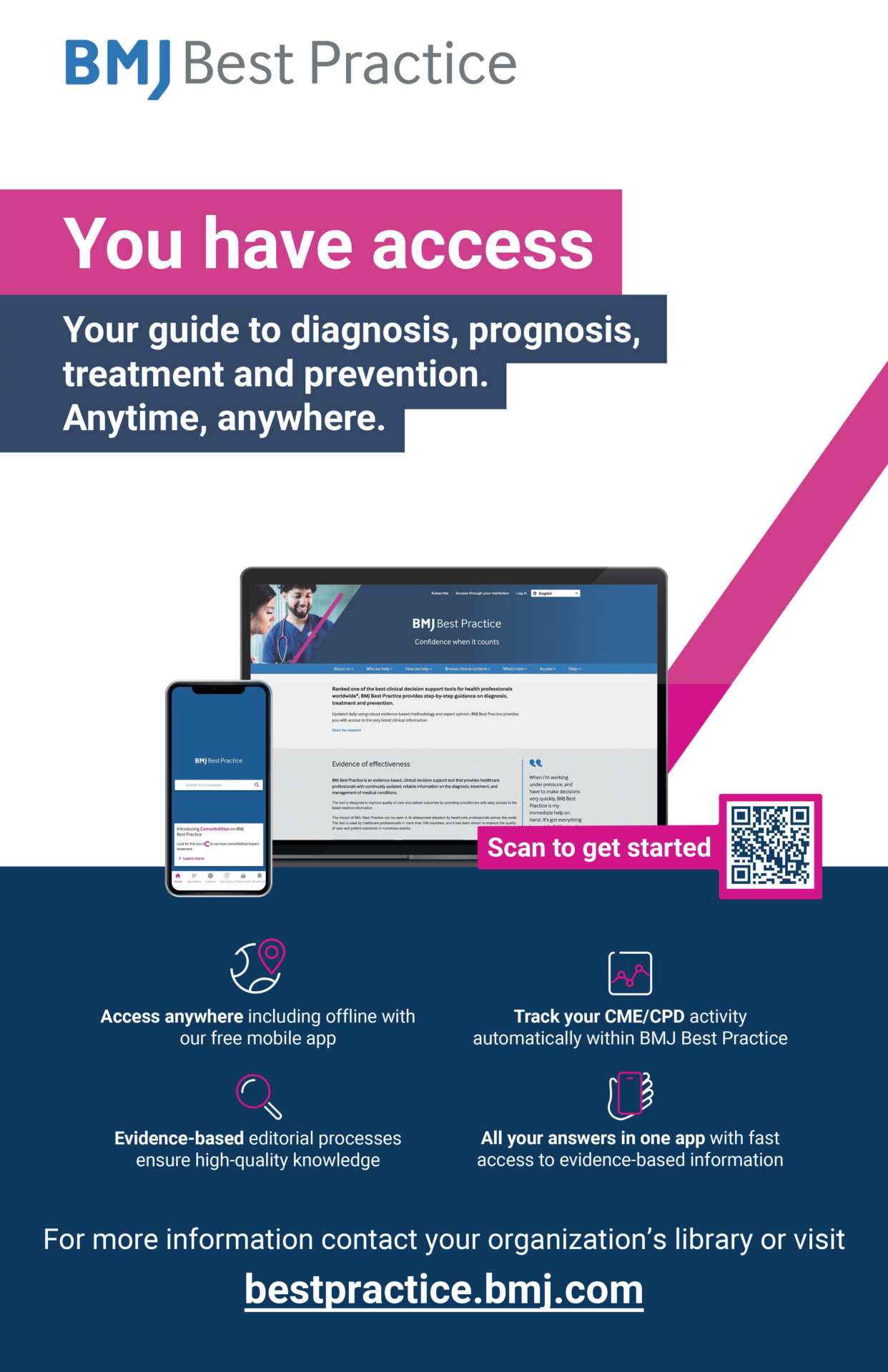
BMJ Best Practice takes you straight to the latest clinical information, whenever and wherever you need it. This evidence-based, clinical decision support tool provides healthcare professionals with continually updated, reliable information on the diagnosis, treatment, and management of medical conditions. Designed to enhance quality of care and patient outcomes, it provides clinicians with easy access to the most up-to-date medical information and expert advice.

  • Boost your clinical confidence: Validate your treatment plans against the latest local and national guidelines, research evidence, and find expert opinions, all in one place.
  • Navigate unfamiliar cases: Get up to speed on conditions outside your primary specialty, providing a crucial safety net for off-service coverage or complex consultations.
  • Learn & work on the go: Use the award-winning mobile app to find answers anywhere in the hospital, anytime you need them, with or without internet access.
  • Fulfill continuing education requirements: Seamlessly earn GME/MOC credits for the clinical questions you research as part of your daily patient care.

Email copy

Subject line 1: Evidence-based answers for every clinician, at every stage of their career.

Subject line 2: You have access! Discover [INSTITUTION NAME’S] new CDS tool

In the fast-paced hospital environment, every clinician needs immediate access to trusted information. Whether you are a resident navigating the demands of training or an experienced specialist managing a case outside your core domain, BMJ Best Practice is your essential clinical resource, now available through our institution.

It is designed to support your workflow by providing actionable answers that enhance patient care and clinical confidence.

Use BMJ Best Practice to:

  • Boost your clinical confidence: Validate your treatment plans against the latest local and national guidelines, research evidence, and find expert opinions, all in one place.
  • Navigate unfamiliar cases: Get up to speed on conditions outside your primary specialty, providing a crucial safety net for off-service coverage or complex consultations.
  • Learn & work on the go: Use the award-winning mobile app to find answers anywhere in the hospital, anytime you need them, with or without internet access.
  • Fulfill continuing education requirements: Seamlessly earn GME/MOC credits for the clinical questions you research as part of your daily patient care.

Get Started: Access BMJ Best Practice now with your organisational login, and discover helpful tools on our user page.

Social ads and copy

Navigate clinical decision-making with confidence with BMJ Best Practice. Use this tool to access step-by-step guidance, updated daily, to help diagnose, treat, and prevent disease. Access the latest evidence-based information and expert opinion, and automatically track your CME/CPD activity through our highly-rated app.

  • 💡Turn your questions into GME credits with #BMJBestPractice. Download the app today: [LINK] 
  • Is your current EBM tool accurate? 🧐 Access practice-changing evidence and expert summaries on- or offline with #BMJBestPractice. #MedEd #EvidenceBasedMedicine 
  • Don’t just read the latest evidence—understand how it changes your practice. BMJ Best Practice synthesises key updates so you can apply them confidently. #FOAMed #ClinicalExcellence 
  • Stop leaving GME on the table. 🎓 Turn your daily clinical questions into GME/MOC credits with the #BMJBestPractice app: [LINK] 
  • From #Dermatology to #Pediatrics, find the latest evidence-based guidance for YOUR specialty. What topic are you looking up today? 🤔 #BMJBestPractice 
  • No signal? No problem. Your trusted clinical toolkit is still available. The BMJ Best Practice app gives you offline access when you need it most. 📲 #MedTech #PointOfCare 
  • We’re excited to invest in your success with a new subscription to @BMJBestPractice! 🩺 This powerful tool puts evidence-based answers at your fingertips. Get started now. #ClinicalExcellence #ProfessionalDevelopment

Social media ads

LinkedIn advert

Pack Includes: LinkedIn, Facebook, X and Instagram

Banners ads (.gif)

Banner ads can be used in emails, newsletters and websites

  • 160X600 
  • 300X250
  • 325×50
  • 650×100
  • 650×350
  • 728×90
  • 3033×375
  • CM-650×350

Branding

BMJ Group blue

Hex #15375e
R 212  G 78  B 37

BMJ Case Reports blue

Hex #2a6ebb
R 42  G 110  B 187

Make the most of your institutional subscription! Please email promo@bmj.com to request additional materials or submit a request to have promotions specifically for your institution. See our brand guidelines for additional information.

Logos

BMJ Group white logo

BMJ Group Case Reports blue logo

BMJ Learning

Admin support End-user support Additional information
For administrators only. Activate and manage product subscriptions, access, and features. If you do not have an admin account, please contact support. Get the most value for your subscription. Scroll for our getting started guides, quick tips and more; organized by product name.

Getting started FAQs

User guide

Getting started guide – Print

How to access BMJ Learning via access code

How to access via OpenAthens 

How to access via OpenAthens – Print 

Product enhancement

BMJ Learning Leadership skills interactive flyer

BMJ Learning Quality Improvement interactive flyer

This section contains information on obtaining usage reports captured on ScholarlyIQ. If you do not have an admin account, please contact support.

BMJ Insider’s newsletter – Read librarian interviews

Register for the BMJ Insider’s newsletter

Research to Publication

Admin support End-user support Additional information
For administrators only. Activate and manage product subscriptions, access, and features. If you do not have an admin account, please contact support.

Getting started FAQs

Get the most value for your subscription. Scroll for our getting started guides, quick tips, and more.

Getting started FAQs

User guide

Curriculum guide for undergraduates and new researchers

If you do not have an admin account, please contact support.

Please email support for usage reports

BMJ Insider’s newsletter – Read librarian interviews

Register for the BMJ Insider’s newsletter

BMJ Open Access

Admin support End-user support Additional Information
For administrators only. Activate and manage product subscriptions, access, and features. If you do not have an admin account, please contact support.

Librarian overview

Overview Frequent Asked Questions

Open Access Agreements

OA Institutional Guide – AUTO approval

OA Institutional Guide – MANUAL approval

Member submissions guide

Account submission guide

Get the most value for your subscription. Scroll for our getting started guides, quick tips, and more.

Overview FAQs

Author information hub

OA FAQs publish and read agreements

OA Author guide at institutions with a read & publish agreement

OA Read & Publish Author Workflow Infographic

Video – How to submit an article, author workflow

Member submissions guide

Account submission guide

If you do not have an admin account, please contact support.

Obtain usage reports captured on ScholarlyIQ. Usage reports user guide

Tips for driving journals usage

Scholarly IQ Glossary of terms

Usage statistics portal

BMJ Case Reports

Admin support End-user support Additional information
For administrators only. Activate and manage product subscriptions, access, and features. If you do not have an admin account, please contact support.

Getting started FAQs

Journals are hosted on HighWire, links and additional resources

Get the most value for your subscription. Scroll for our getting started guides, quick tips, and more.

Getting started FAQs

BMJ Case Reports end user resource page

Webinar:

Videos:

If you do not have an admin account, please contact support.

Obtain usage reports captured on ScholarlyIQ.

Please email support for submission history

The BMJ and BMJ Journals

Admin support End-user support Additional information
For administrators only. Activate and manage product subscriptions, access, and features. Journals are hosted on HighWire. If you do not have an admin account, please contact support.

Change usernames and passwords

Manage institutional logo

Manage subscription expiry alerts

Titles that you administer

All titles administered at your institution

BMJ publications listed by specialty

Current collections:

BMJ Journals Collection (KBART).csv

BMJ Open Access Journals (KBART).csv

BMJ All Subscription Journals (KBART).csv

BMJ Journals All Titles (KBART).csv

Legacy collections:

BMJ Premier Collection (KBART).csv

BMJ Standard Collection (KBART).csv

BMJ Standard Collection A (KBART).csv

BMJ Essential Healthcare Package (KBART).csv

BMJ Essential Academic Package (KBART).csv

Contact support@bmj.com for assistance updating Shibboleth profiles

Get the most value for your subscription. Scroll for our getting started guides, quick tips, and more.

BMJ Journals and The BMJ user guide

BMJ Journals user guide

The BMJ Video Channel – Understanding the Education section series

If you do not have an admin account, please contact support.

Obtain usage reports captured on ScholarlyIQ. Usage reports user guide

Usage reports user guide

Scholarly IQ Glossary of terms

Tips for driving journals usage

Usage statistics portal

Go to Top