
Librarian hub
The BMJ and BMJ Journals
BMJ Best Practice
| Admin support | End-user support | Additional information |
|---|---|---|
| For administrators only. Activate and manage product subscriptions, access, and features. If you do not have an admin account, please contact support.
Video – User guide Getting Started FAQs Adding local guidelines to topic pages How to integrate BP into your EHR system IP user guide – Print All access codes user guide – Print |
Get the most value for your subscription. Scroll for our getting started guides, quick tips, and more.
Video – User guide Getting Started FAQs |
If you do not have an admin account, please contact support.
Obtain usage reports captured on ScholarlyIQ. |
BMJ Journals
Product Description
BMJ Premier Collection enhances our health science content with additional access to 34 specialty and high-impact journals. Leading titles range from oncology to neurology, public health to general medicine, and more.
NOTE: Ads on this page can be hyperlinked to the BMJ Premier Collection overview page https://journalsamericas.bmj.com/premier-collection/
Ad copy and Tweets
- You have access to BMJ’s most comprehensive journal package, with the BMJ Premier Collection, we now have access to 34 leading titles ranging from specialty-specific to general medicine and public health.
- Tweets
- Did you know our library has expanded its collection with BMJ Journals? @bmj_company
- BMJ Premier Collection contains new medical research, reviews and evidence-based medicine from around the world. @bmj_company
- BMJ Premier Collection grants you access to multimedia content, including podcasts, videos and blogs. @bmj_company




Branding

BMJ Group blue
Hex #15375e
R 42 G 110 B 187
Make the most of your institutional subscription! Please email promo@bmj.com to request additional materials or submit a request to have promotions specifically for your institution. See our brand guidelines for additional information.
BMJ Learning
Product Description
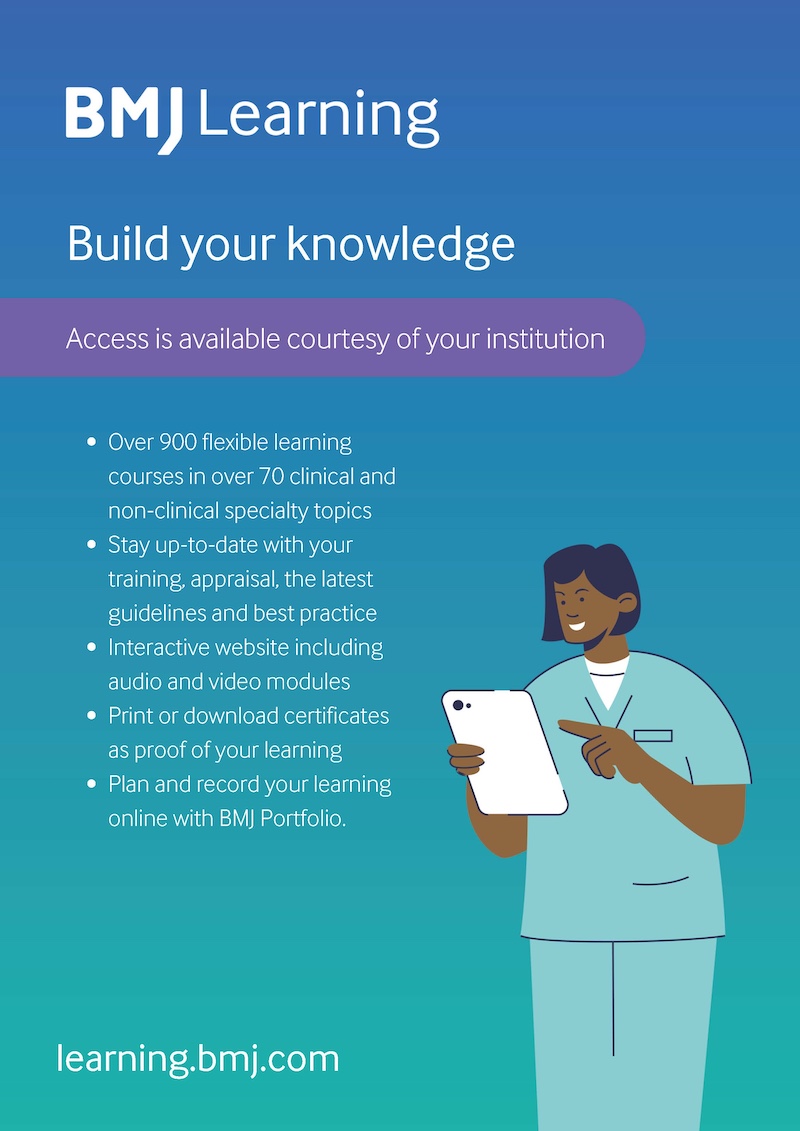
BMJ Learning has a wide range of accredited courses covering several clinical and non-clinical topics. All our courses are continuously updated per the latest guidance and best practices by the BMJ Learning editorial team.
BMJ Learning stands out with high-quality multimedia videos, 3D animation, and audio content to suit users’ learning styles. Users can assess, improve, and excel with our knowledge checker to receive customised suggestions on the most relevant learning chapters.
– Over 900 flexible learning courses written by experts
– Over 6 million completed courses by over 1 million healthcare professionals
– Courses accredited by over 70 institutions worldwide
– Improves user knowledge by an average of 36%
– 95% of users we asked said that BMJ Learning has had an impact on their clinical practice
Click here for further information on BMJ Learning.
Ad copy and Tweets
NOTE: Ads can be hyperlinked to https://new-learning.bmj.com/
- Our library has added @BMJLearning to our collection of databases. BMJ Learning offers a range of trusted online evidence-based courses to enhance the quality and consistency of care and improve patient outcomes
- @BMJLearning is available courtesy of your institution. Access a range of trusted online evidence-based courses today and enhance the quality and consistency of care and improve patient outcomes
- @BMJLearning is here to support you in continuous growth and excellence in practice at any stage of your career
- Access practice solving real-world clinical scenarios through @BMJLearning assessments and gain a certificate for each course completed
- Are you ready to improve your knowledge and patient care? Access @BMJLearning today courtesy of your institution
- BMJ Learning stands out with high-quality multi-media videos, 3D animation, and audio content to suit your learning style
- Over 900 flexible learning courses written by experts
- Improve knowledge, improve care with BMJ Learning – available via your institution today

Branding
BMJ Group blue
Hex #15375e
R 42 G 110 B 187
Make the most of your institutional subscription! Please email promo@bmj.com to request additional materials or submit a request to have promotions specifically for your institution. See our brand guidelines for additional information.
Research to Publication
Product Description
Research to Publication is a research methodology and publishing program specifically designed for healthcare professionals. 8 multimedia courses will help you master medical research and overcome the challenges of getting published in international journals. Create an account and start learning at your own pace. Senior academics from UCSF and Senior editorial experts from The BMJ combine their expertise to bring you lectures, test banks, and writing exercises that are sure to give you an edge.
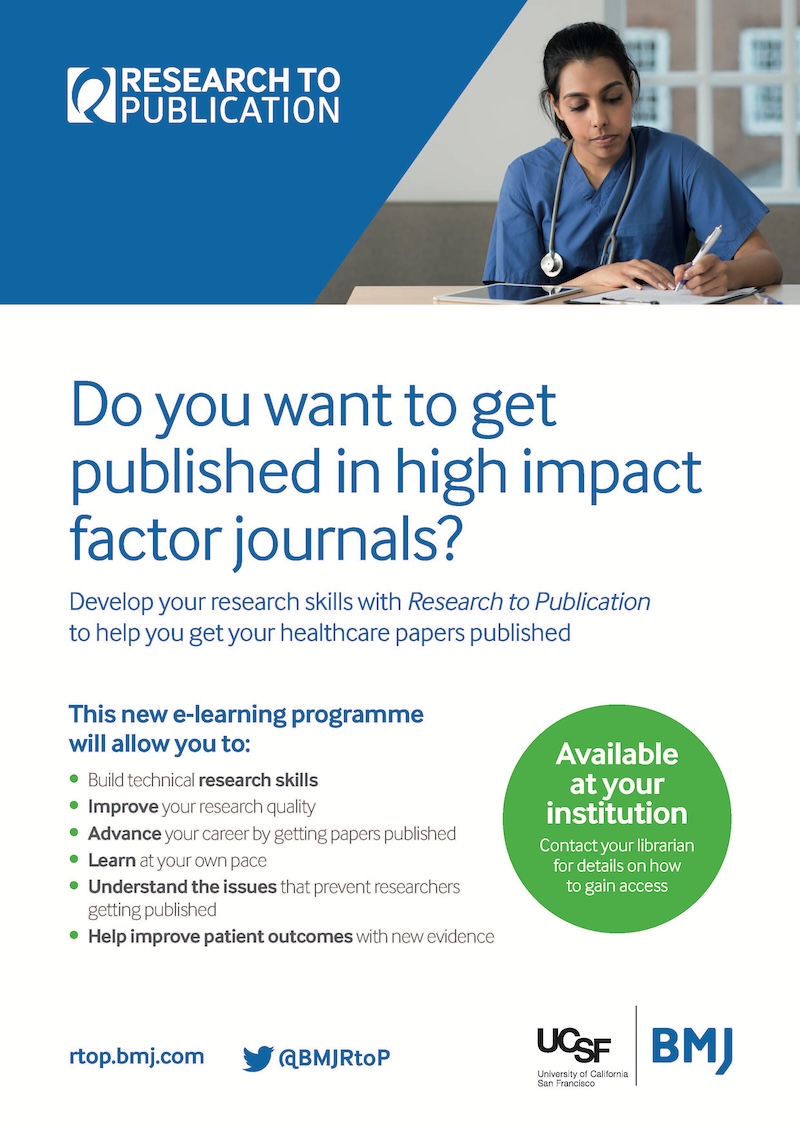
This new e-learning program will allow you to:
- Build technical research skills and improve your research quality
- Learn everything from running a clinical trial and securing IRB approval to avoiding scientific misconduct and more…
- Avoid the pitfalls that prevent researchers from getting published
- Advance your career
NOTE: Ads on this page can be hyperlinked to the Research to Publication overview page https://americas.bmj.com/research-to-publication-overview/
Ad copy and Tweets
- Working on a paper? Learn to pick the right journal with Research to Publication
- Want to learn more about the publishing process? Fill learning gaps with Research to Publication.
- Increase your odds of getting published with guidance from Research to Publication.
- Learn the essentials of ethical research. #RTOP
- Did your article get rejected? Explore Research to Publication to help determine what went wrong. ? Understand the issues that prevent researchers from getting published with RTOP
- Do you want to get published in high-impact factor journals?
- Develop your research skills with Research to Publication to help you get your healthcare papers published.
- As part of [name of your institution], you now have access to Research to Publication. Overcome the barriers associated with getting published.
- Want to improve your chances of getting published? Develop your skills with Research to Publication!
- Users of Research to Publication are entitled to a significant discount on open access APCs. Learn more


Branding
BMJ Group blue
Hex #15375e
R 42 G 110 B 187
Make the most of your institutional subscription! Please email promo@bmj.com to request additional materials or submit a request to have promotions specifically for your institution. See our brand guidelines for additional information.